

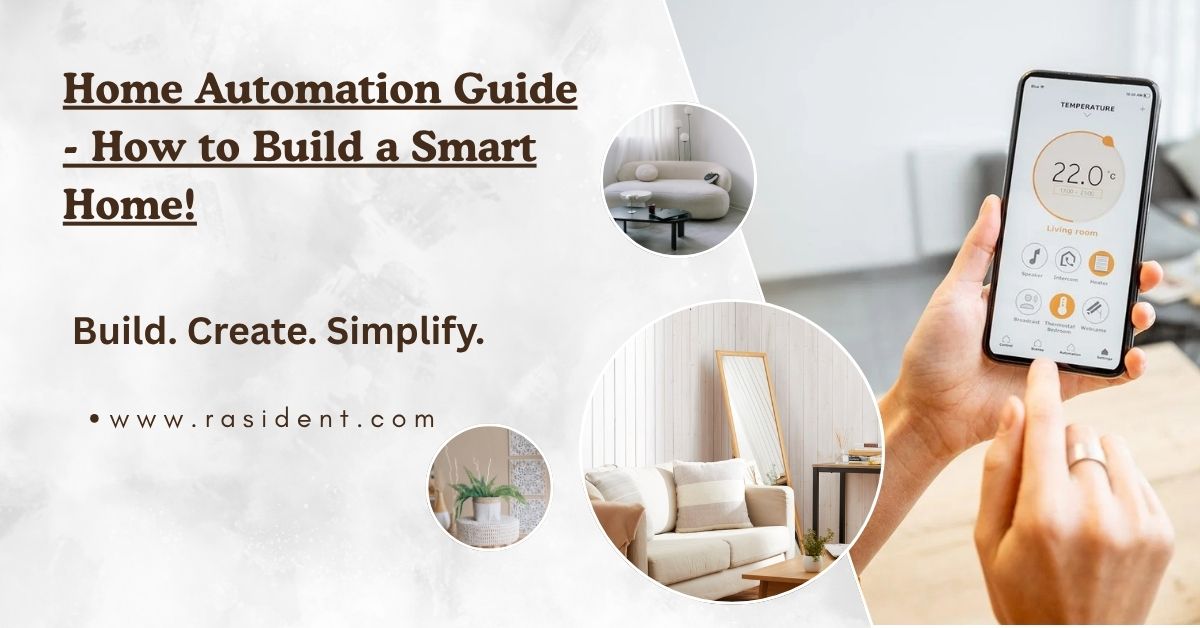
If you’ve ever searched for a “home automation guide,” you’ve probably seen the same dull list on every website: buy a smart lock, a smart speaker, a smart lightbulb, and so on. That kind of advice doesn’t really help you.
This is not your average guide. It’s written in plain English so that anyone can understand it, even if they’ve never used a smart device before. We’ll explore what home automation really means, recent trends in the smart home world, how to plan correctly, what to buy for each area of your house, how much to budget, and common mistakes to avoid.
Build a Smarter Home the Right Way: A Complete Automation Guide
Table of Contents
What Does “Home Automation” Actually Mean?
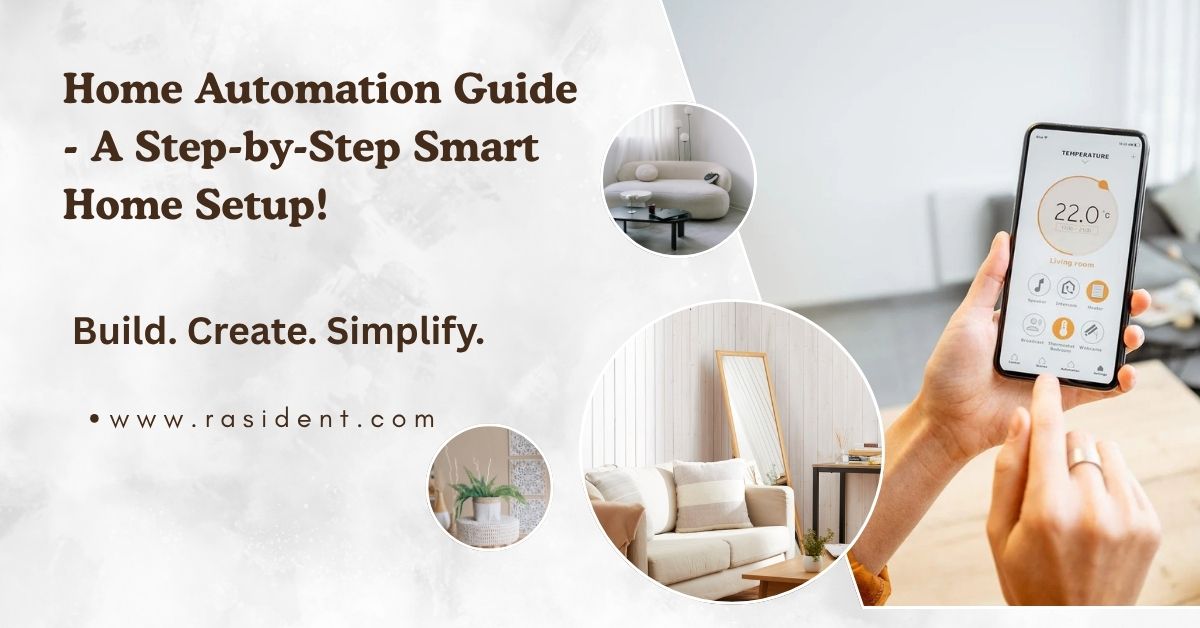
A lot of people think home automation is nothing more than using your phone to control things. That’s not entirely true. Smart home control is when you turn on a light bulb using an app. Automation goes one step further; it lets your home do things without you having to get involved at all.
Here’s an easy way to tell the difference:
- Saying “turn on my living room light” through an app is controlled.
- Your porch light turning on automatically every night at sunset is automation.
- Your thermostat automatically lowering the temperature when everyone leaves the house is automation.
- Your washing machine automatically starting when electricity is cheaper at night.
That’s a fairly large difference. Many people buy smart devices, use the app for a week, and then give up. They end up with an expensive remote control, not a smart home.
The Big Change in 2026: Devices Can Finally Talk to Each Other!

If you tried to build a smart home a few years back, you probably ran into a frustrating situation. You’d buy an Alexa-only smart plug from Amazon, then a lock exclusive to Apple’s system, then a Google-only sensor and none of them spoke to each other. A lot of people gave up because it was such a mess.
This problem is finally being solved by something called Matter. Think of Matter as a universal language that lets different smart device brands talk to each other. A Matter-enabled light bulb, lock, or thermostat can work with Apple Home, Google Home, Amazon Alexa, Samsung SmartThings, or Home Assistant without needing five separate apps.
The latest version, Matter 1.6, was released in mid-2026. But much of the exciting new functionality cameras, video doorbells, energy tracking actually came from Matter 1.5 and its follow-up update, 1.5.1.
Matter is meant to make everything work seamlessly together, but in reality, it’s not quite there yet, and most guides won’t tell you that honestly. Different companies have adopted it at different speeds. Samsung’s SmartThings, for example, has been quick to add new Matter features, while others have been much slower; some haven’t even turned on the most basic Matter functions for their users yet.
Plan Before You Buy Anything:
Do you rent or own your home?
If you’re renting, choose equipment that doesn’t require permanent changes, things like adhesive sensors, plug-in smart plugs, and battery-powered locks. All of these are easy to remove when you move out. Homeowners have more freedom to install devices like in-wall smart switches, which also tend to perform better over time.
Which app will be your “home base”?
The most popular smart home systems are Apple Home, Google Home, Amazon Alexa, Samsung SmartThings, and Home Assistant. Choose one as your main hub, and try to buy Matter-compatible products so you’re not stuck if you decide to switch later.
If you enjoy learning new things and want more control (and better privacy, since your data stays on your own home network instead of a big company’s servers), Home Assistant is worth seriously considering.
What are you actually trying to solve? Don’t buy smart devices just because they look cool. Choose one primary goal first:
- Security: locks, cameras, door/window sensors
- Convenience: voice control, smart lighting, simpler daily routines
- Energy savings: smart plugs, thermostats, and consumption monitors
- Accessibility: voice control for family members who have difficulty moving or reaching switches
People get overwhelmed and give up when they try to solve all four in the first week. Pick one goal, get it working, then move on to the next.
The Best Things to Buy for Each Room:
Living Room: Start with smart lighting. If it’s a shared space where family members or guests might use the regular wall switch, choose a smart switch instead of a smart bulb.
Kitchen: Smart plugs are great since you can remotely turn on or schedule appliances like coffee makers and slow cookers. A leak sensor under your kitchen sink is a cheap way to prevent expensive water damage repairs later.
Bedroom: One of the best investments you can make is smart curtains or blinds that open gradually as the light comes up. Many people say this is a far more pleasant and natural way to wake up compared to a loud alarm.
Front Door and Entryway: This is where home automation proves its worth fastest. Most home security setups include a video doorbell, a smart lock, and a sensor on the main door. One simple but very useful automation: your porch light turns on automatically whenever the door sensor detects the door opening after dusk.
What’s the Right Budget?
Here’s a realistic summary of typical budgets, from a small starting setup to a full whole-home system:
- Starter Setup ($80–150) Smart speaker, two or three smart plugs, four smart bulbs. Enough to get the basics covered.
- Core Setup ($350–500) Starter tier plus a smart thermostat and video doorbell. This is the sweet spot of security, comfort, and convenience for most households.
- Full Security Layer ($600–900) Core tier plus a smart lock, two or three sensors, and a camera. Great for anyone who wants a truly reliable home security system.
- Whole-Home Setup ($1,200–2,500+) All of the above, plus smart switches throughout the house, energy monitoring devices, and a hub like Home Assistant.
The truth is, you don’t need to spend thousands of dollars to have a genuinely useful smart home. Most households get about 80% of the real-life value just from reaching the Core tier.
Automations That People Actually Keep Using:

Many people set up automations, get excited for a week, then find them inconvenient or pointless. These are the ones that tend to last because they genuinely make life easier:
- Away Mode Lights turn off, doors lock, the thermostat adjusts for energy savings, and cameras turn on automatically when your phone (or the last family member’s phone) leaves the house.
- Sunset Lighting Porch and entry lights turn on automatically at sunset and off at a set time or at sunrise.
- Leak Shutoff A smart valve automatically shuts off your water if a sensor detects a leak. This automation alone can save thousands of dollars in water damage.
- Morning Routine Your first alarm of the day opens your blinds, starts your coffee maker, and warms up the house instead of relying on a fixed clock time that might not match your actual schedule.
- Smart Appliance Timing Using newer energy-saving features, you can schedule your dishwasher or washing machine to run during cheaper, off-peak electricity hours.
Common Mistakes That Make People Give Up:
Mistake 1: Buying smart bulbs instead of smart switches for shared spaces. When a smart bulb is switched off at the wall, it loses power completely. Neither your voice nor your app can turn it back on. Someone has to physically flip the switch again. A smart switch avoids this problem entirely.
Mistake 2: Mixing brands without verifying compatibility. Just because a package says “works with Matter” doesn’t mean every feature will work properly with your specific hub or app. Always confirm that the exact feature you care about is supported before buying.
Mistake 3: No backup plan if the internet goes down. If your Wi-Fi drops, will your smart lock still work? Will your camera still record? Most guides skip this, but it’s important to look for devices with local control options and battery backups that don’t rely solely on the internet.
Mistake 4: Trying to automate everything right away. Start with two or three simple automations, get used to them for a few weeks, then slowly add more. People who try to automate their entire house at once often become overwhelmed and give up.
Mistake 5: Forgetting who has access to your devices. It’s easy to forget that an old roommate, contractor, or ex-partner might still have access to your cameras or smart locks. Regularly check who has account access and remove anyone who shouldn’t have it anymore.
FAQs:
What is Matter and do I need it for my smart home?
Matter is a shared connectivity standard that lets smart devices from different brands (Apple, Google, Amazon, Samsung, etc.) work together without needing separate apps for each one. You don’t strictly need it, but choosing Matter-certified devices protects you from getting locked into one ecosystem later.
Is Home Assistant better than Google Home or Amazon Alexa?
It depends on what you want. Home Assistant offers more control, better privacy, and deeper customization, but has a steeper learning curve. Google Home and Alexa are easier to set up and better for beginners who just want basic voice control and convenience.
Do smart home devices work if the internet goes down?
Not always this trips up a lot of people. Some devices rely entirely on cloud connections, so locks, cameras, or automations can stop working during an outage. Look for devices with local control or battery backups if this matters to you.
Are smart bulbs or smart switches better?
Smart switches are generally better for shared rooms, because a smart bulb loses power completely if someone flips the physical wall switch off. Smart switches keep the automation “always on.”
How much does it cost to start a smart home?
A basic starter setup typically runs $80–150. A more complete “core” setup with a smart thermostat and video doorbell runs $350–500. You don’t need thousands of dollars to get real day-to-day value.
Conclusion:
2026 is proving to be an easier year to build a smart home than in the past, mostly thanks to Matter’s improved reliability and the rise of smart energy-saving features. But planning was always harder than the technology itself.
Choose one main system to serve as your home base. Solve one problem at a time instead of trying to tackle all of them at once. Favor smart switches over smart bulbs in any shared space. And treat your automations as a work in progress you refine over months, not something you set up once and forget forever.
Start small, get it right, and build from there. That’s really the whole secret: it’s the difference between a smart home that genuinely saves you time, money, and stress, and one that just becomes a dormant app on your phone.



Leave a Reply